The Pomodoro Technique: Write More Efficiently
I often get asked how I manage to handle all the stuff I do. I write. I teach, both as an assistant professor at the DePaul University…
I often get asked how I manage to handle all the stuff I do. I write. I teach, both as an assistant professor at the DePaul University School of Cinematic Arts and through Screenwriting Master Class. I blog. I interview writers. Black List projects. Host the Zero Draft Thirty Facebook group. And oh yeah, handle a billion emails per day.
One thing I do is calendars. Daily, weekly, monthly, quarterly. I put items on there I need to take care of — those items are in green. When I complete that task, I turn them blue.
But in terms of focusing my attention, I use the Pomodoro technique.
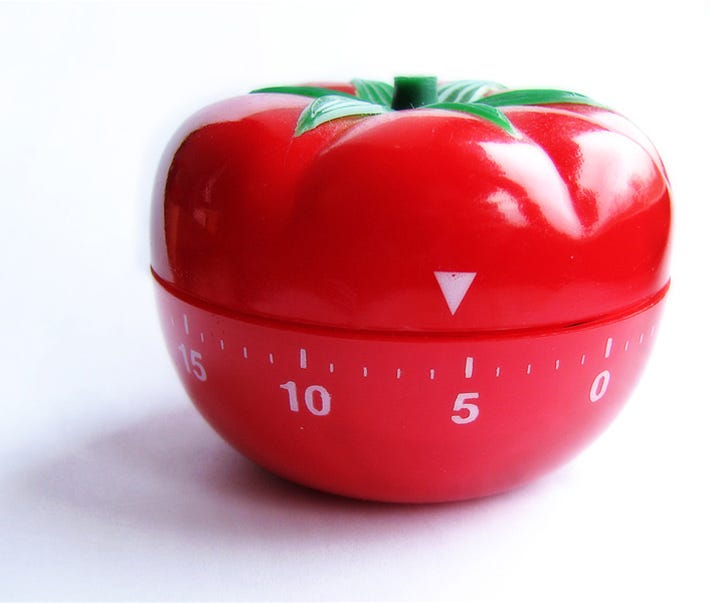
The basic thing is this: Break up work into 25–35 minute blocks (called ‘pomodoros’). During those blocks, that’s all you do: Work. No email, no Twitter, no Facebook, no nothing. Work.
Then a 5–10 minute break to do whatever you like, followed by another pomodoro.
The reason I bring this up is there are several new timing devices for your computer you can use to enforce your pomodoro. Here are some links:
For the iPhone or iPad:
If you have any suggestions for noteworthy timers, please post in comments.
Also, if you have any tips on how you use you pomodoros, I encourage you to share them. I just know that for plowing through my work, this has proved to be a truly helpful technique. And for my writing scampers, I set the time for 1, 2, or more hours. Once I click it on, I’ve trained myself not to do anything else but write or work.
Here’s one writer’s take on the subject: The Pomodoro Technique: How To Write 5,000 Words Every Day.
For more information about the Pomodoro technique, go here.